A Step-by-Step Guide by Nikkie Deal
Create AI Portraits That Look Like Real Brand Photos
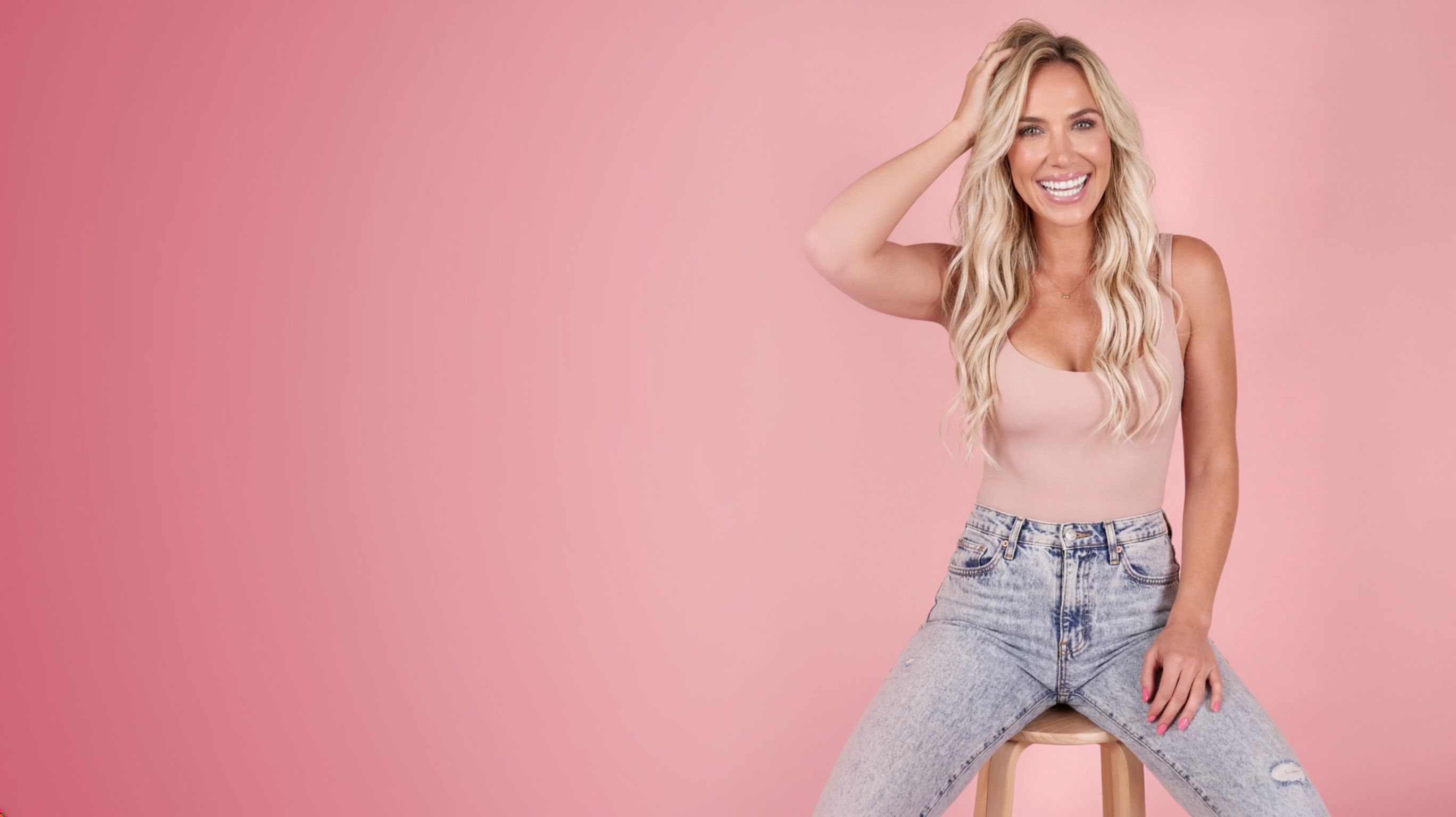
Stop waiting until you feel camera ready. Stop spending money on photographers. Stop settling for AI images that look obviously fake. There is a better way — and this is it.
Get Instant Access — $17A Step-by-Step Guide by Nikkie Deal
Create AI Portraits
That Look Like Real
Brand Photos
Stop waiting until you feel camera ready. Stop spending money on photographers. Stop settling for AI images that look obviously fake. There is a better way — and this is it.
Get Instant Access — $17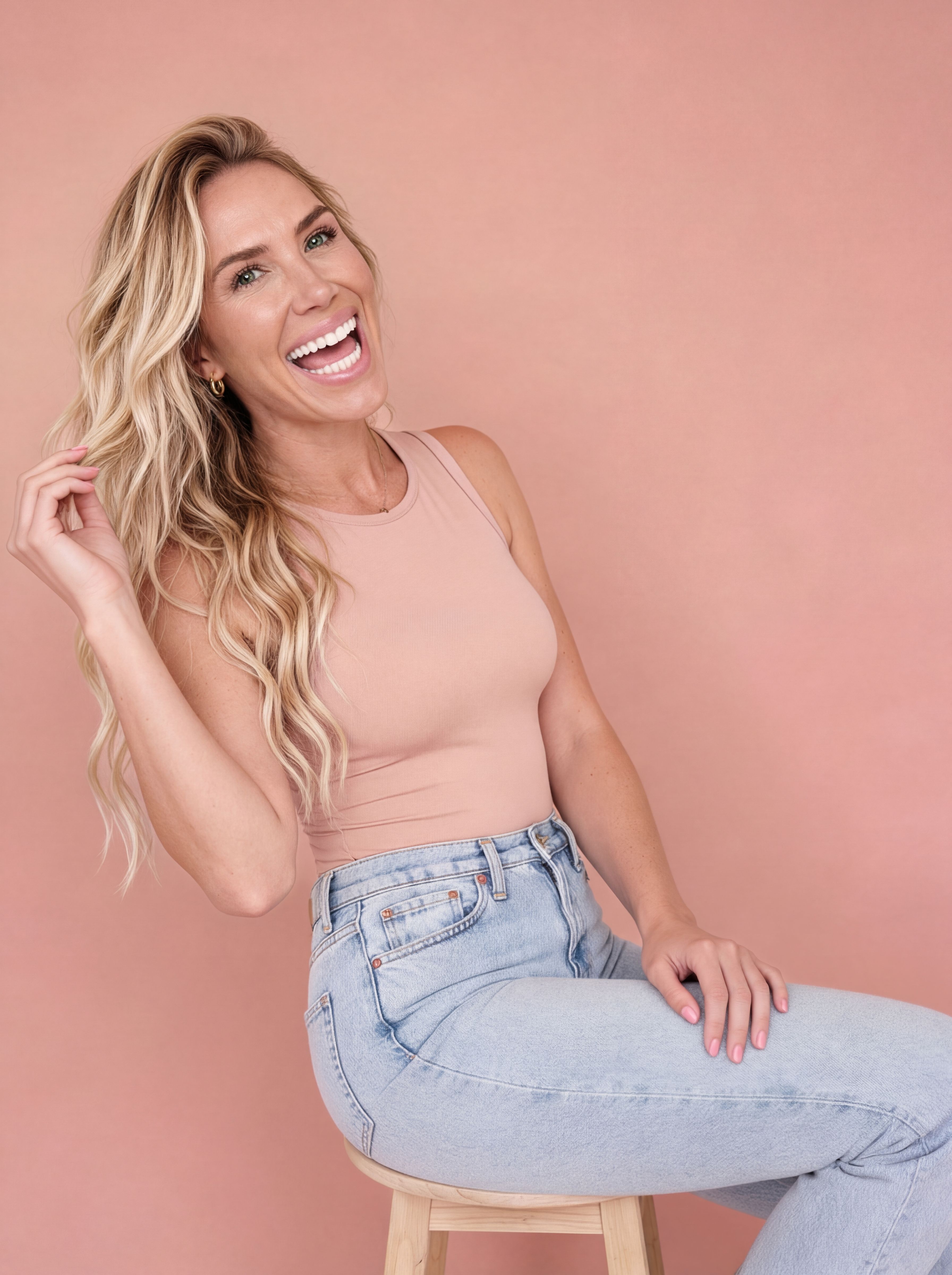
Here's the Thing
You Don't Need a Photographer. You Need This Process.
Showing up online consistently is hard when you don't always feel camera ready, can't afford to book a photographer every time you need content, have tried AI and couldn't get it to look right — or haven't tried at all because you have no idea where to start.
I lived all of that. I was a photographer. I knew what a good image looked like — and I still let my lack of content hold me back. So I started testing, and I combined everything I knew from photography with my obsession for AI tools until I built a process that actually works.
Portraits so realistic that people genuinely cannot tell they weren't taken on a real shoot.
“My AI portraits show more texture and realism than anything I have ever actually posted of myself.”
— Nikkie Deal
See It for Yourself
Real Photos vs. AI Portraits
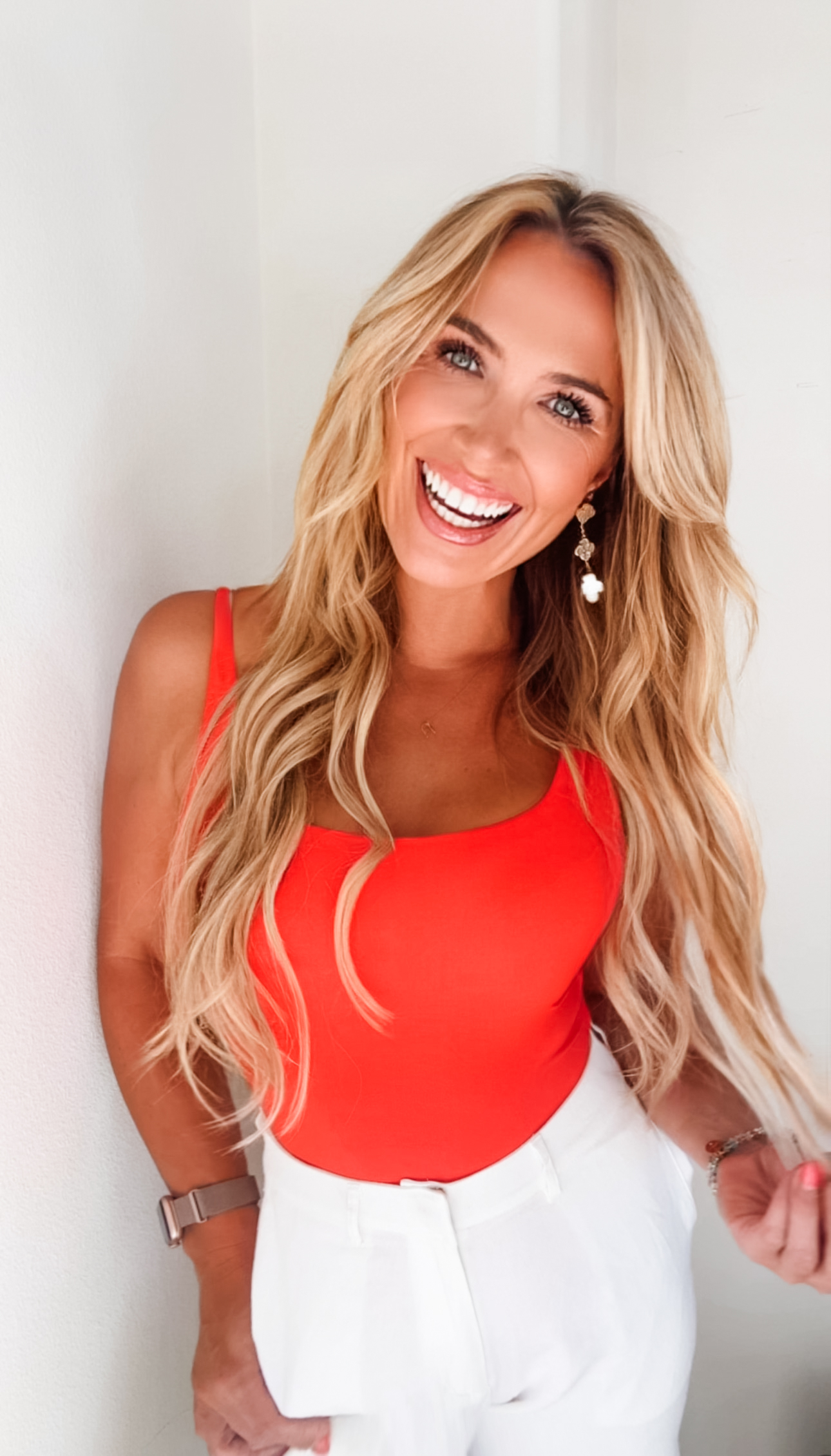
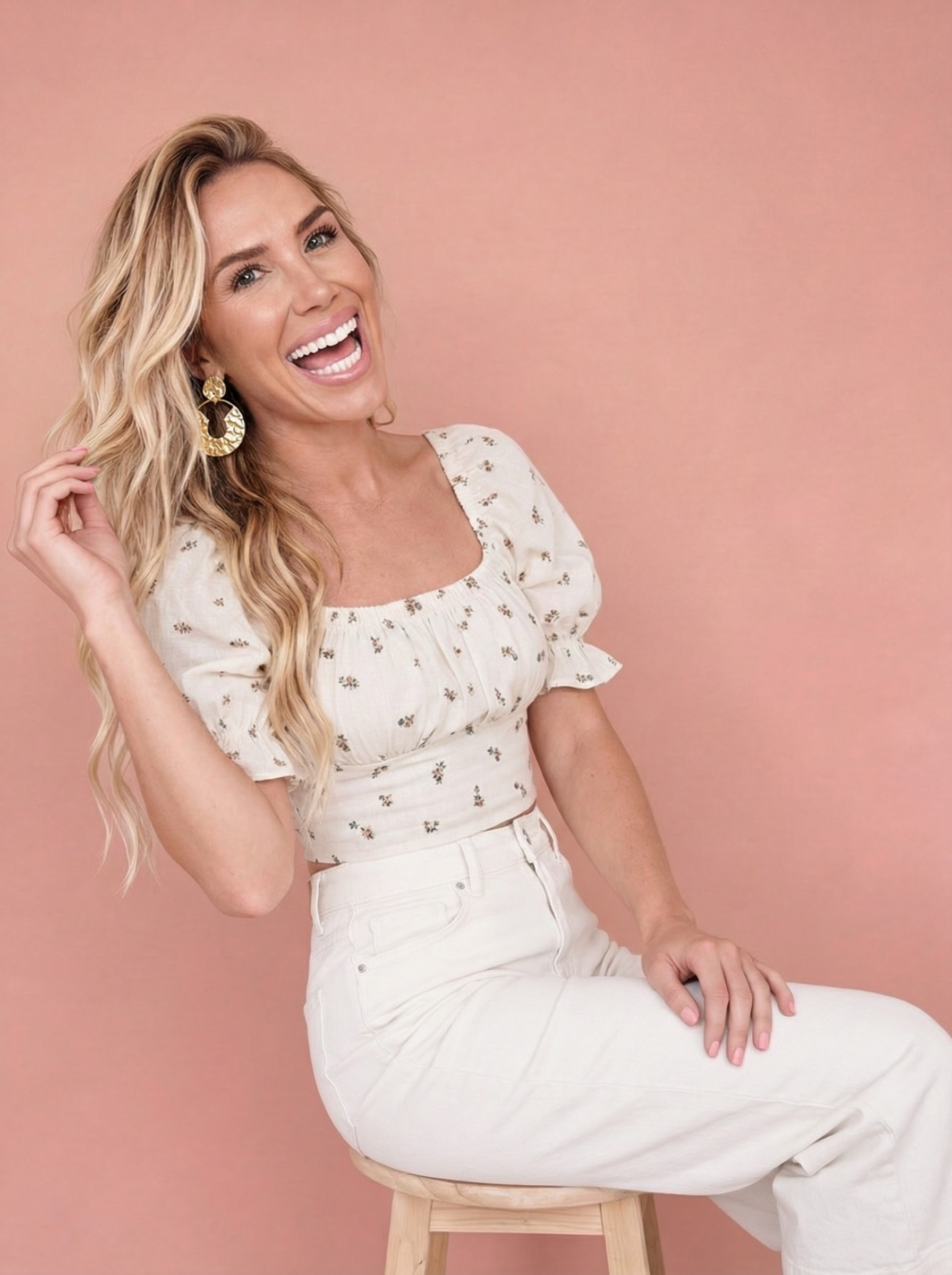
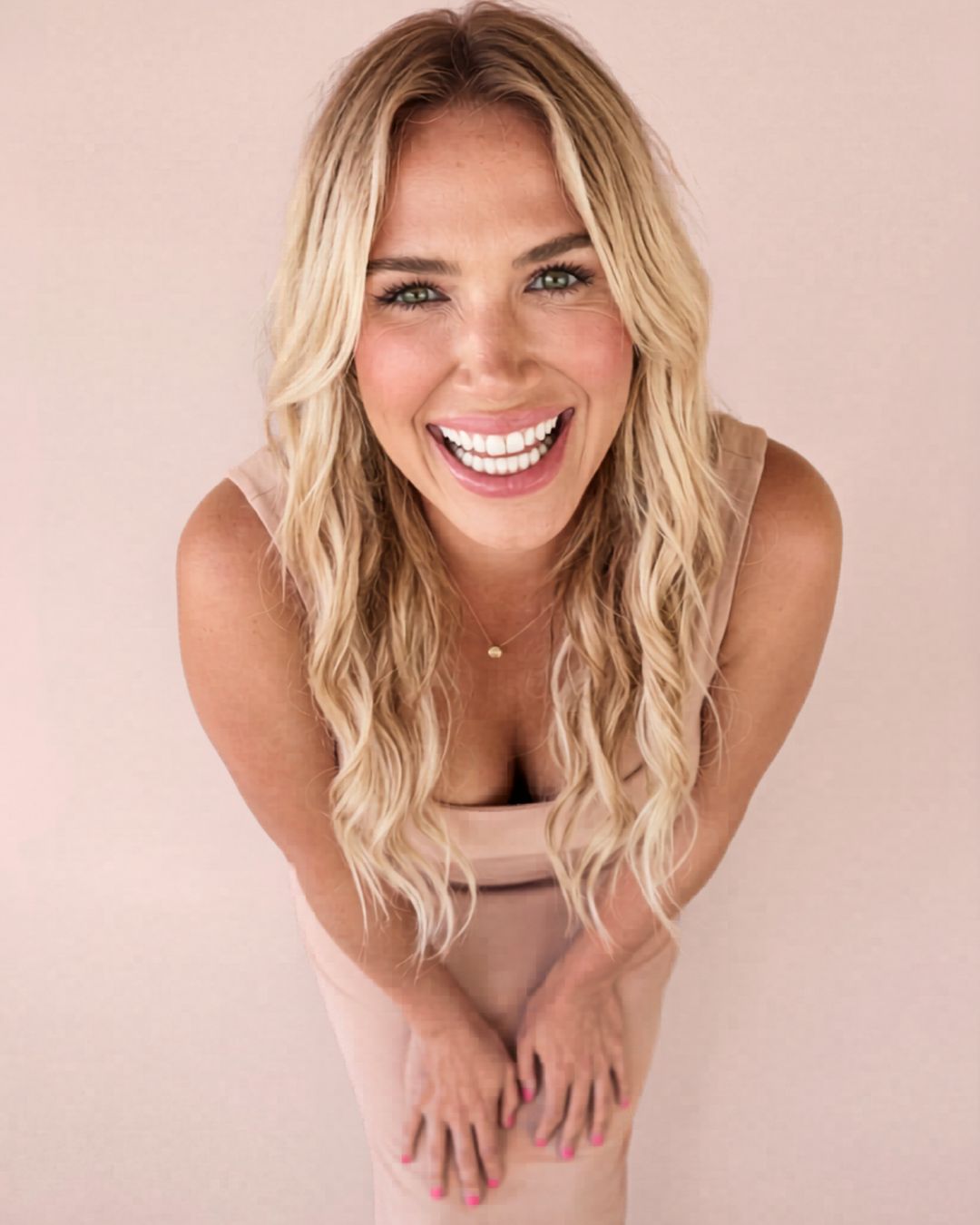
These are real photos I've posted alongside AI portraits made with this exact workflow. The AI images are not retouched — they are completely generated.
Real Photos I've Posted
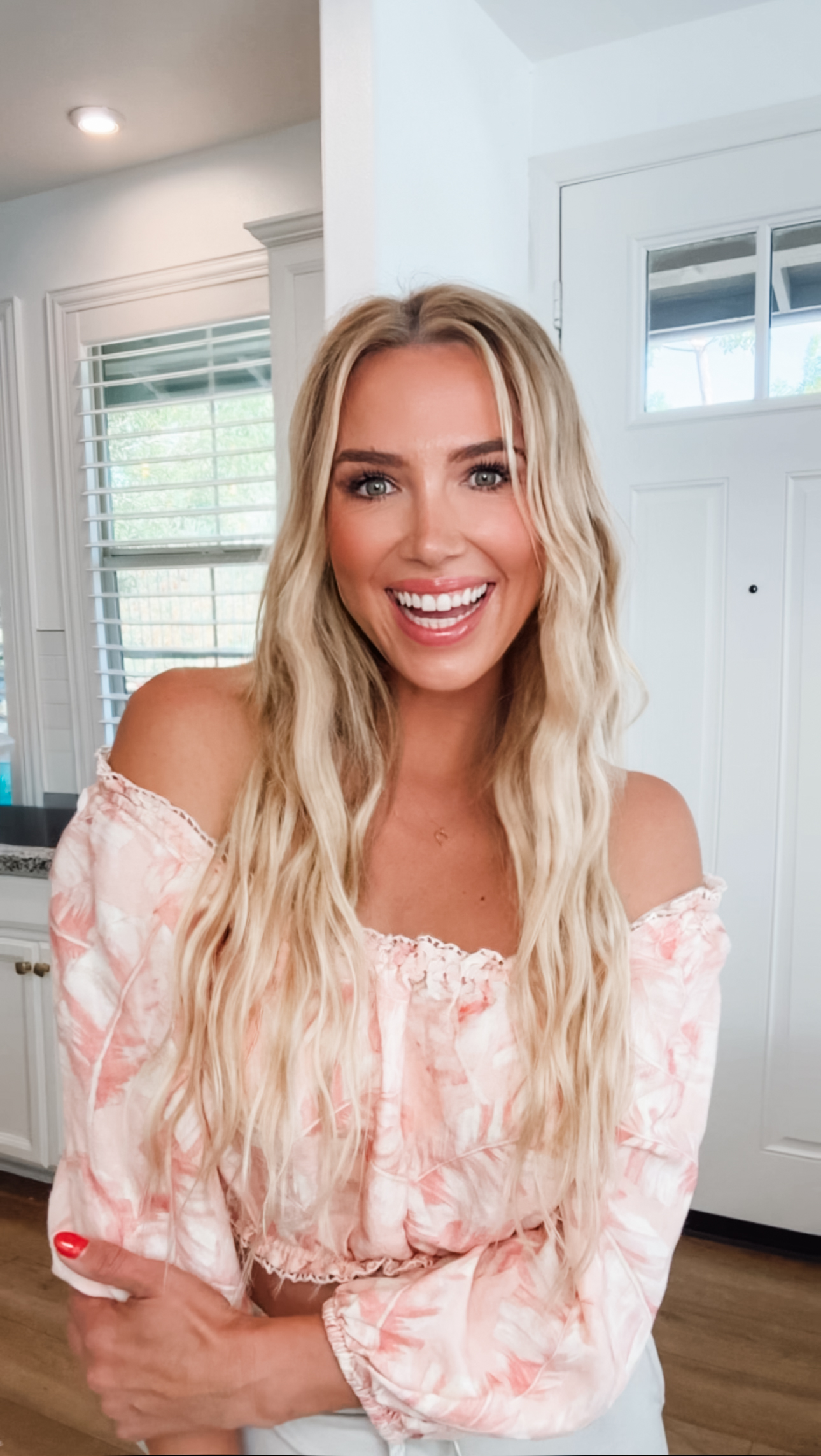
AI Generated Portraits

What's Inside
My exact process.
Nothing held back.
The settings, the prompts, the finishing details. A complete walkthrough of exactly what I do — so you can do it too.
Also Inside the Guide
Virtual Try-On for Amazon and Affiliate Content
Once you have portraits you love, use them to virtually try on outfits — Amazon finds, affiliate products, anything you want to post about without owning it yet.
Upload your portrait and a product image into Higgsfield's AI Stylist. The outfit appears on you. You can even layer multiple products — top, pants, and jewelry in one generation.
I have used this to create content for products I hadn't even received yet. The results look like real styled photos.
Everything You Get
Here's the Full Breakdown
The Complete 7-Step AI Portrait Workflow
Every step, every setting, in order — from character building to finished portrait.
Character Building Deep Dive
The specific photo details most guides skip — angles, expressions, hair, body, small things that make it actually look like you.
Prompt Strategy — No Writing Required
How to use ChatGPT or Claude to write every prompt using your real photos and inspo images.
Credit-Saving Testing Method
How to iterate in Unlimited mode before spending credits — so you only pay for images you actually love.
Bonus: Virtual Try-On for Amazon and Affiliates
Use your portraits to create product content without buying first.
Bonus: Batching a Month of Content in One Session
How to go from one character to thirty pieces of content in a single afternoon.
Is This for You?
This Is for You If...
- —
You want polished, consistent brand photos without booking a photographer every time
- —
You've tried AI portraits and couldn't get them to look like you
- —
You haven't tried AI yet because you don't know where to start
- —
You're building a personal brand on Instagram, Pinterest, or Amazon
- —
You want to create content for affiliate products without owning them first
- —
You want to stop waiting until you feel ready and start showing up anyway
Kind Words
Real Results
“She helped me see what wasn't working, simplify what felt messy, and create a business that felt more polished, strategic, and easier to manage.”
— Client Review
“I don't know how she saw that so fast. And I feel so much lighter. That's kind of the whole point.”
— Client Review
“Equal parts creative and strategic — the problems get spotted and the vision behind your business actually gets seen.”
— Client Review
About Nikkie
Before Any of This, I Was a Photographer.
I spent years behind the lens learning light, composition, and what makes an image actually feel real. So when AI tools started taking off I was obsessed — I fell in love with the technology and couldn't stop testing.
But I also saw exactly where it was falling short. And as someone with a photographer's eye I couldn't unsee it.
Here's the honest part — I still let my lack of content hold me back. I wasn't always put together. I didn't always have the time, the energy, or the budget. So sometimes I just didn't show up. And my business felt it.
So I kept testing until I built a process that fixed it. That process is this guide.
Got Questions?
Here Are the Answers
Do I need to already have Higgsfield?
Yes — the guide is built around Higgsfield's tools. Higgsfield has a free tier to start with, and the guide shows you how to use Unlimited mode strategically so you're not burning credits unnecessarily.
Do I need Lightroom?
Not for everything. The guide has two paths — a Lightroom path for professional portraits and a Canva/FaceApp path for quick social-ready posts. You can get great results without Lightroom for casual use.
How long does it take once I know the process?
Once you have a character built and a rhythm, you can go from idea to finished portrait in 30–60 minutes. The batching section shows you how to create a full month of content in a single two-hour session.
What if my AI portraits never look like me?
That's exactly what Step 1 solves. The character-building section covers the specific photos to use, how many, and the small details that determine whether the AI actually captures your likeness.
A Step-by-Step Guide by Nikkie Deal
Stop Waiting Until You Feel Ready.
This is the process that lets you show up looking your best — on your terms, on your timeline, without the photographer or the photo shoot.
$17
Instant Download · 7 Steps + Bonus · Yours Forever
Yes, I Want the Guide